

Web scraping is an essential skill for anyone looking to gather and analyze data from websites in an automated way. Whether you're a digital marketer, data analyst, or tech-savvy entrepreneur, mastering tools like Beautiful Soup can help you unlock insights hidden in web pages with ease. Beautiful Soup, a Python library for parsing HTML and XML documents, is one of the most popular and versatile tools for this task. This guide will walk you through the fundamentals of Beautiful Soup, from creating a basic setup to implementing advanced scraping techniques.
By the end of this article, you'll understand how to effectively navigate and manipulate web data using Beautiful Soup, even when dealing with complex or messy HTML. More importantly, you'll gain actionable insights to optimize your web scraping projects.
What is Beautiful Soup?
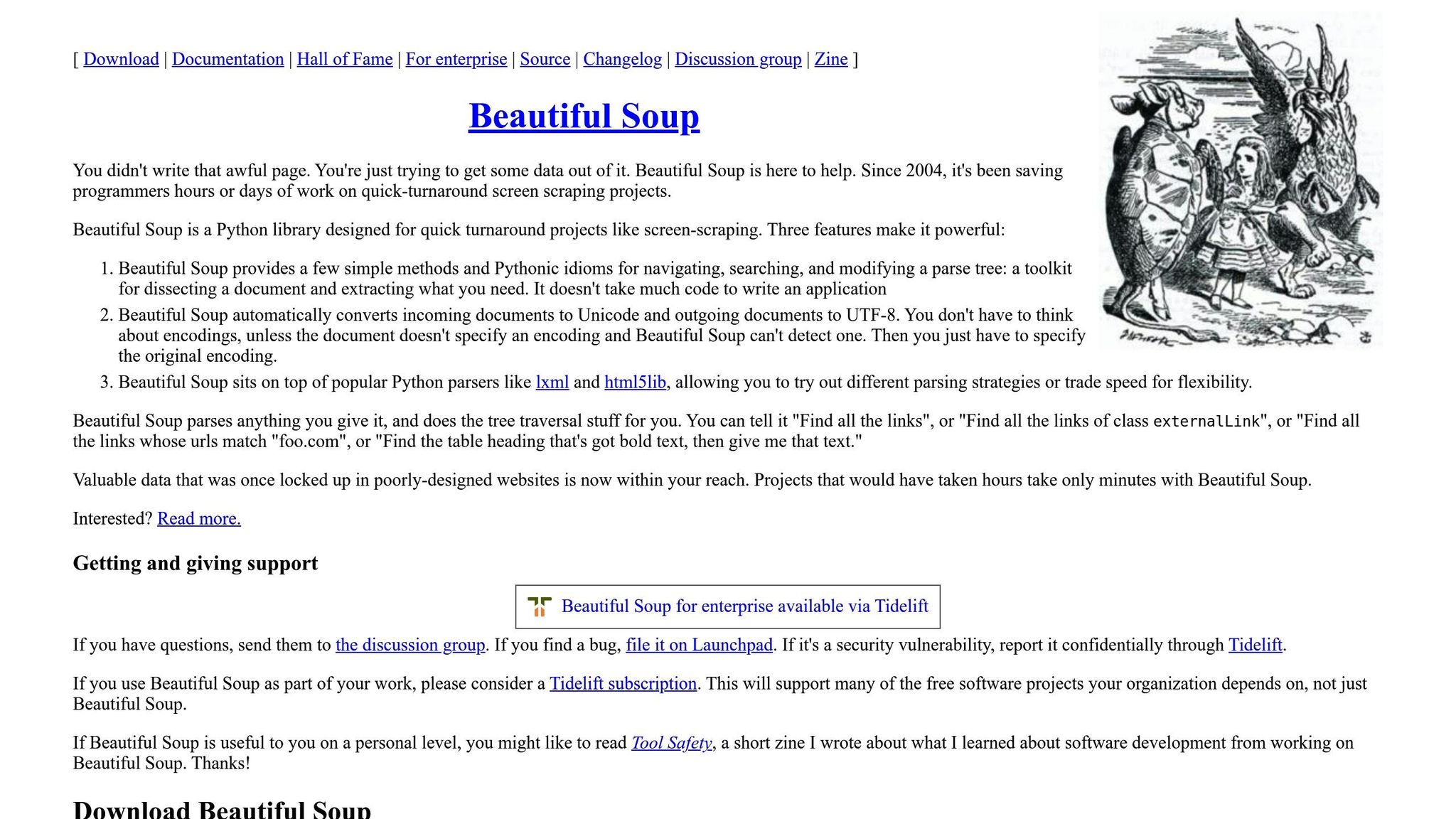
Beautiful Soup is a Python library designed to make web scraping straightforward and efficient. It simplifies the process of extracting and navigating data from HTML and XML documents. You can use Beautiful Soup to locate specific webpage elements, extract data like text or attributes, and even modify or reformat HTML content.
Why Use Beautiful Soup?
- Ease of Use: Beautiful Soup is beginner-friendly and allows you to focus on extracting data without worrying about the complexities of web protocols.
- Versatility: It works for both well-structured and messy HTML, making it ideal for real-world web scraping scenarios.
- Powerful Parsing: Beautiful Soup enables you to search, navigate, and manipulate web structures effectively.
Some real-world use cases include collecting product details from e-commerce websites, downloading news headlines, and extracting quotes or other text content from blogs.
sbb-itb-ea6392c
Setting Up Beautiful Soup
Installation
To start using Beautiful Soup, you'll first need to install it. Run the following command in your terminal (not inside a Python notebook):
pip install beautifulsoup4
This installs the necessary library for parsing HTML using Beautiful Soup.
Importing Beautiful Soup
Once installed, you can import the library into your script using:
from bs4 import BeautifulSoup
This step sets up your environment, allowing you to work with webpage content in Python.
Core Concepts of Beautiful Soup
Beautiful Soup revolves around the creation of a soup object, which is essentially a parsed representation of the HTML content. Here's a breakdown of core concepts:
1. Creating a Soup Object
To begin working with a webpage, you first need to parse its HTML into a soup object. For example:
html_content = "<html><head><title>Sample Page</title></head><body><p>Hello, World!</p></body></html>"
soup = BeautifulSoup(html_content, 'html.parser')
This converts the HTML string into a navigable Beautiful Soup object.
2. Navigating HTML Tags
HTML elements like <div> or <p> are referred to as tags in Beautiful Soup. You can use methods like find() or find_all() to locate specific tags:
find()retrieves the first matching tag.find_all()returns a list of all matching tags.
For example:
title_tag = soup.find('title')  # Finds the title tag
print(title_tag.string)        # Prints the text inside the title tag
Output:
Sample Page
3. Tag Attributes
Tags often include attributes like class, id, or href. You can extract these attributes using the get() method:
paragraph = soup.find('p')
class_name = paragraph.get('class')  # Retrieves the class attribute
Beginner Examples
Example 1: Extracting the Page Title
The title of a webpage, displayed in a browser’s tab, can be accessed as follows:
title_tag = soup.title  # Shorter method to get the title tag
print(title_tag.string)  # Prints the text inside the title tag
Output:
Sample Page
Example 2: Accessing the First Paragraph
You can find the first paragraph (<p>) tag and its text using:
first_paragraph = soup.find('p')  # Finds the first paragraph
print(first_paragraph.string)    # Prints the text inside
Output:
Hello, World!
Example 3: Extracting Attributes
To extract the class attribute of a paragraph:
class_name = first_paragraph.get('class')  # Safely retrieves the class attribute
print(class_name)
Output:
['intro']
Intermediate Techniques
Example 1: Finding Multiple Tags
To extract all paragraph tags from the HTML as a list:
paragraphs = soup.find_all('p')  # Finds all <p> tags
for paragraph in paragraphs:
    print(paragraph.string)  # Prints the text inside each paragraph
Example 2: Searching by Class
You can filter tags by their class attribute:
intro_paragraphs = soup.find_all('p', class_='intro')  # Find paragraphs with class 'intro'
for paragraph in intro_paragraphs:
    print(paragraph.string)
Example 3: Navigating Nested Tags
Beautiful Soup allows you to navigate within nested tags:
head_tag = soup.find('head')  # Finds the <head> tag
title_tag = head_tag.find('title')  # Finds the <title> tag inside <head>
print(title_tag.string)
Advanced Techniques
Navigating the DOM Tree
Beautiful Soup offers methods to move through the document object model (DOM) tree:
- Parent: Access the parent of a tag using
.parent. - Children: Access immediate children using
.children. - Descendants: Access all nested elements using
.descendants.
Example:
body_tag = soup.find('body')
for child in body_tag.children:
    print(child)  # Prints each immediate child of the <body> tag
CSS Selectors with select()
You can use CSS selectors to perform complex searches:
intro_paragraphs = soup.select('p.intro')  # Finds <p> elements with class 'intro'
for paragraph in intro_paragraphs:
    print(paragraph.string)
Best Practices for Beautiful Soup
- Debugging: Use
soup.prettify()to view the formatted HTML structure, making it easier to debug. - Error Handling: Always check if a tag exists (
if tag is not None) before accessing its attributes to avoid runtime errors. - Respect Website Rules: Always adhere to the terms of service of a website and avoid scraping in ways that could overload servers.
Key Takeaways
- Beautiful Soup Basics:
- Install with
pip install beautifulsoup4. - Use
BeautifulSoup(html, 'html.parser')to create a soup object.
- Install with
- Core Tag Operations:
- Use
find()andfind_all()to locate tags. - Extract attributes with
get()and text with.string.
- Use
- Advanced Navigation:
- Navigate the DOM tree using
.parent,.children, and.descendants. - Use CSS selectors for precise searches with
select().
- Navigate the DOM tree using
- Error Handling:
- Always check for missing tags to prevent errors.
- Best Practices:
- Employ
soup.prettify()for debugging complex HTML structures. - Respect webpage scraping rules to avoid legal or ethical issues.
- Employ
Beautiful Soup is a powerful tool for web scraping that balances simplicity and functionality. Whether you're extracting quotes, analyzing e-commerce data, or simply exploring web page structures, learning to navigate HTML with this library can open up endless possibilities. By following the examples and techniques outlined here, you're well on your way to mastering web data extraction with Python. Happy scraping!
Source: "Comprehensive BeautifulSoup Tutorial for Web Scraping with Python" - Mathew K Analytics, YouTube, Dec 15, 2025 - https://www.youtube.com/watch?v=NWjJHh8GGqE